Compositor for Windows & macOS release 0.10 is now available! 🎉
This release finally adds the template picker to the Windows app and makes it easier to send bug reports and feedback from within the app. It also fixes sporadic UI hangs on Windows.
What’s New?
Document Template Picker #795
The Windows app now has a File / New command and a template picker. Choose from a Standard
Article, Standard Report, or Standard Book to give your new document a starting point:
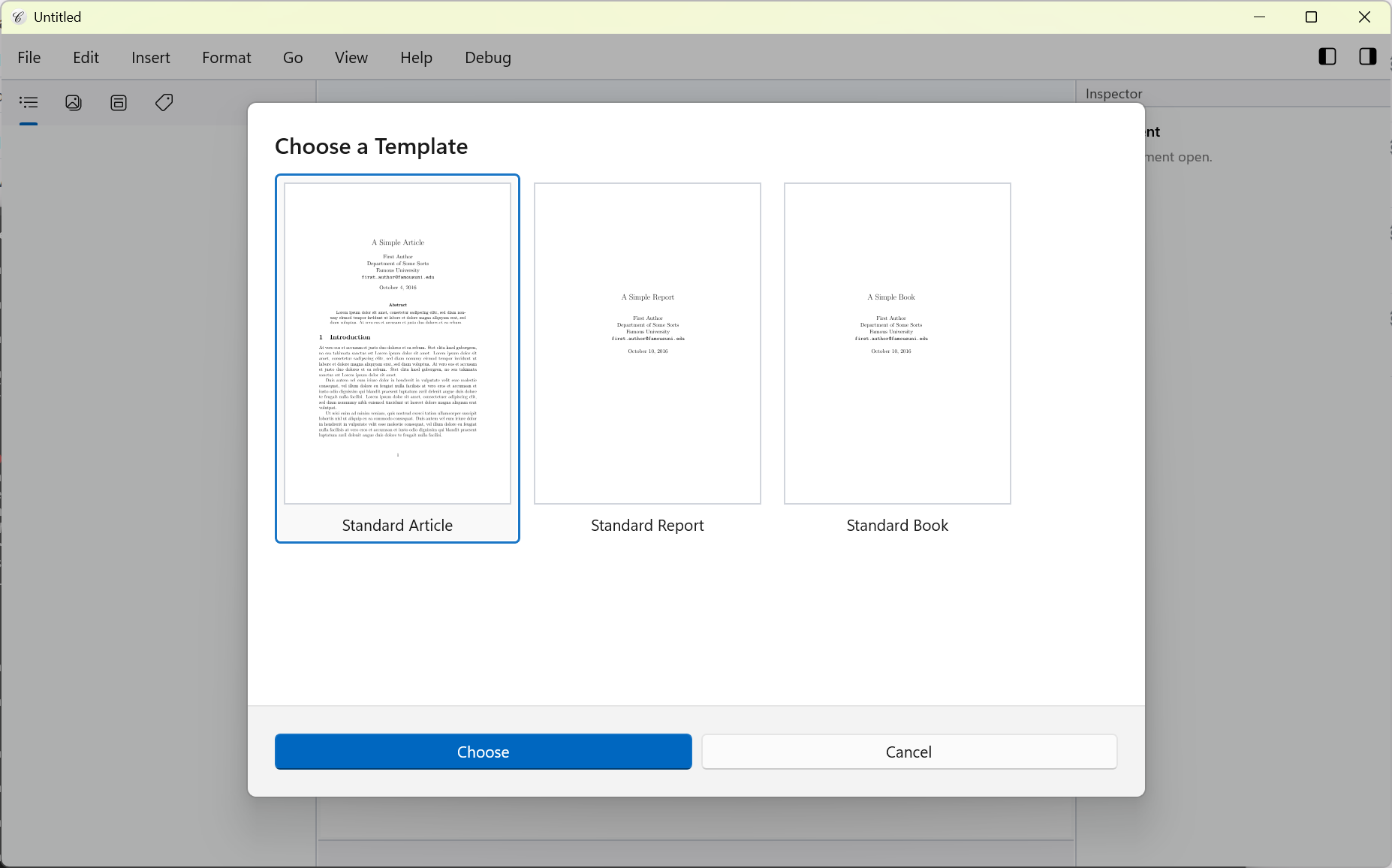
This release also fixes the template chooser on macOS.
Bug Reports and Feedback
The Help menu now provides commands for reporting a bug and submitting feedback, making it easier to get in touch while using Compositor:
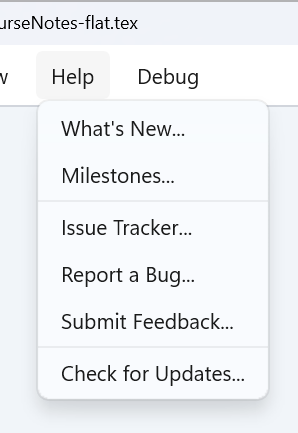
Help / Report a Bug opens a dialog where you can describe the problem and the steps to
reproduce it. System details are filled in automatically. Submitting the report prepares an
email to my support email.
For suggestions or general comments, use Help / Submit Feedback. I would love to hear how
Compositor is working for you and what you would like to see improved.
Bugfixes
- Fixed sporadic UI hangs on Windows #796 (introduced in 0.9.2)
Try it Out!
Prerequisites (Windows only)
For the time being, I am using a self-signed certificate to sign the Windows app installers. If you want to install a preview build, you will need to install my self-signed certificate (once) by following these steps:
- Download and double-click the certificate file: Compositor.cer
- Click “Install Certificate”
- Choose “Local Machine”
- Select “Place all certificates in the following store” → “Trusted People”
- Complete the wizard
Future production releases will use a standard code-signing certificate, so these steps will no longer be necessary.
Windows Installers
Compositor for Windows is distributed as an MSIX installer to provide a modern installation experience:
- Intel/AMD installer: Compositor-Windows-x64-0.10.0.msix
- ARM installer: Compositor-Windows-arm64-0.10.0.msix
(requires Windows 10 or newer)
macOS Installer
macOS builds are provided using the same codebase and versioning as the Windows version:
- macOS disk image: Compositor-macOS-0.10.0.dmg
(requires macOS 12.0 or newer)
Your Feedback is Much Appreciated!
Any sort of feedback is much appreciated! You can reach me by email at support at compositorapp dot com.
Next Up
You can follow planned work and suggest features on the GitHub issue tracker.
Stay Informed
Follow @compositorapp on Mastodon or
Bluesky for news and updates
about Compositor for Windows & macOS!