WYSIWYG LaTeX Editor Compositor for Windows & macOS Release 0.9
Compositor for Windows & macOS release 0.9 is now available! 🎉
This release introduces a first iteration of the visual formula editor on Windows and macOS. It also brings automatic software updates, packaging and performance improvements, and several bug fixes.
Visual Formula Editor #679
Mathematical formulas can now be built and edited visually. The formula editor provides an interactive view of a formula’s structure, making it possible to select, navigate, insert, replace, and remove its individual parts without editing the underlying LaTeX source by hand.
Choosing Insert / Inline Formula or Insert / Display Formula opens the formula editor with a new formula.
To edit an existing formula, simply double-click it:
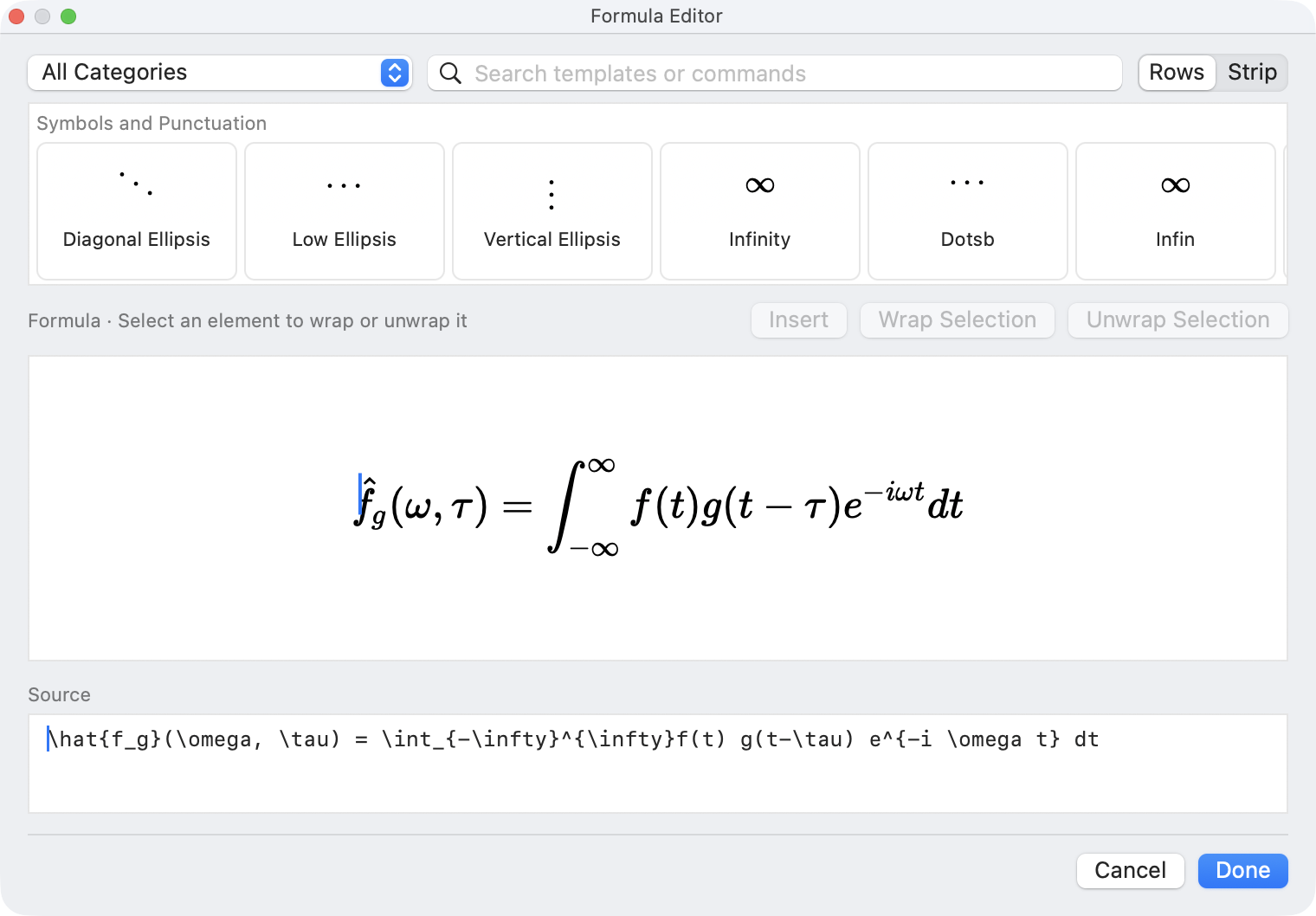
The formula editor comes with an extensive collection of building blocks, organized into categories:
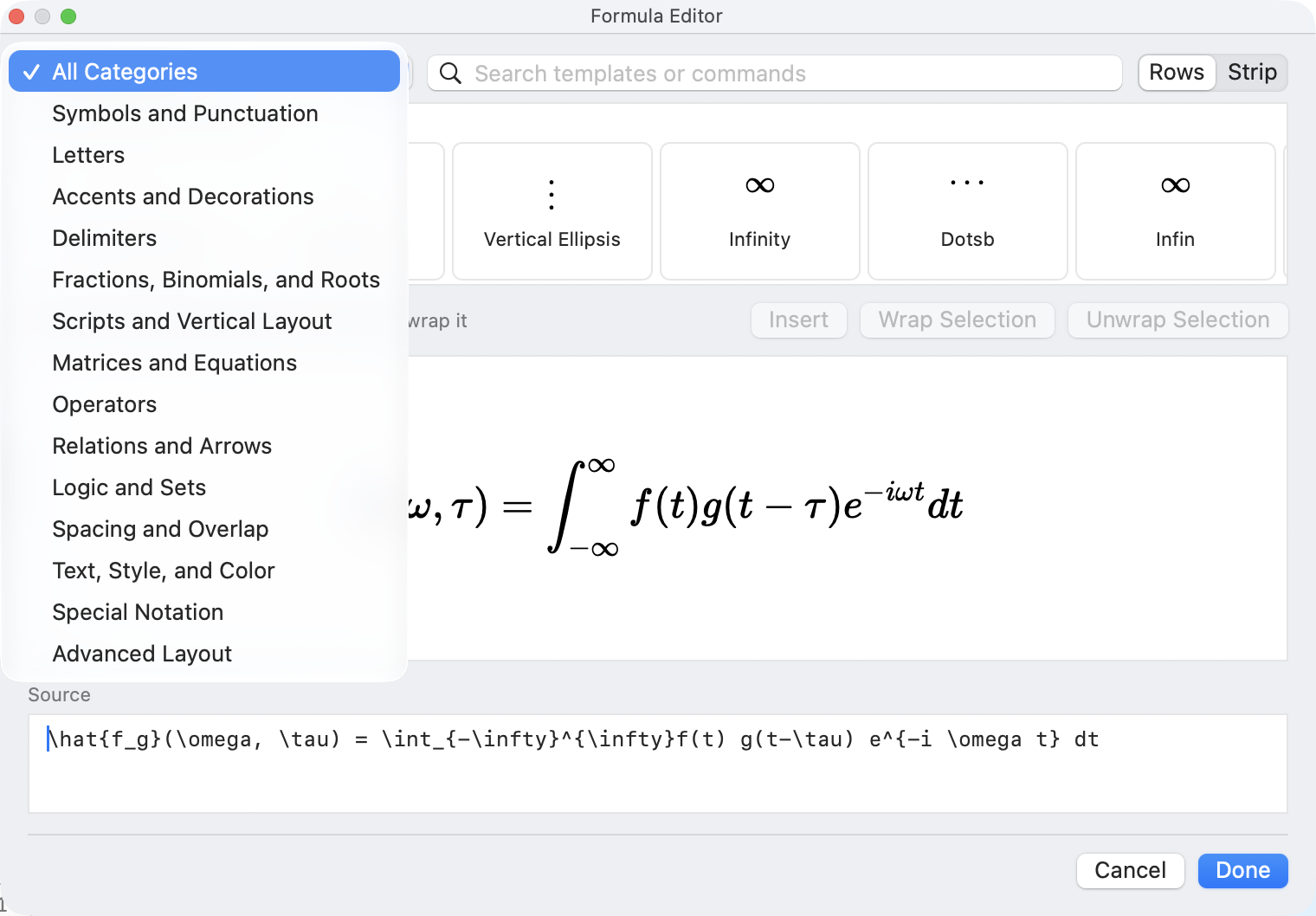
I won’t go into detail here about how to use it, I hope you’ll find it intuitive.
Please note that this is only the first iteration of the new editor. I would love to hear your feedback as I add more capabilities and polish in future releases.
Automatic Software Updates #631
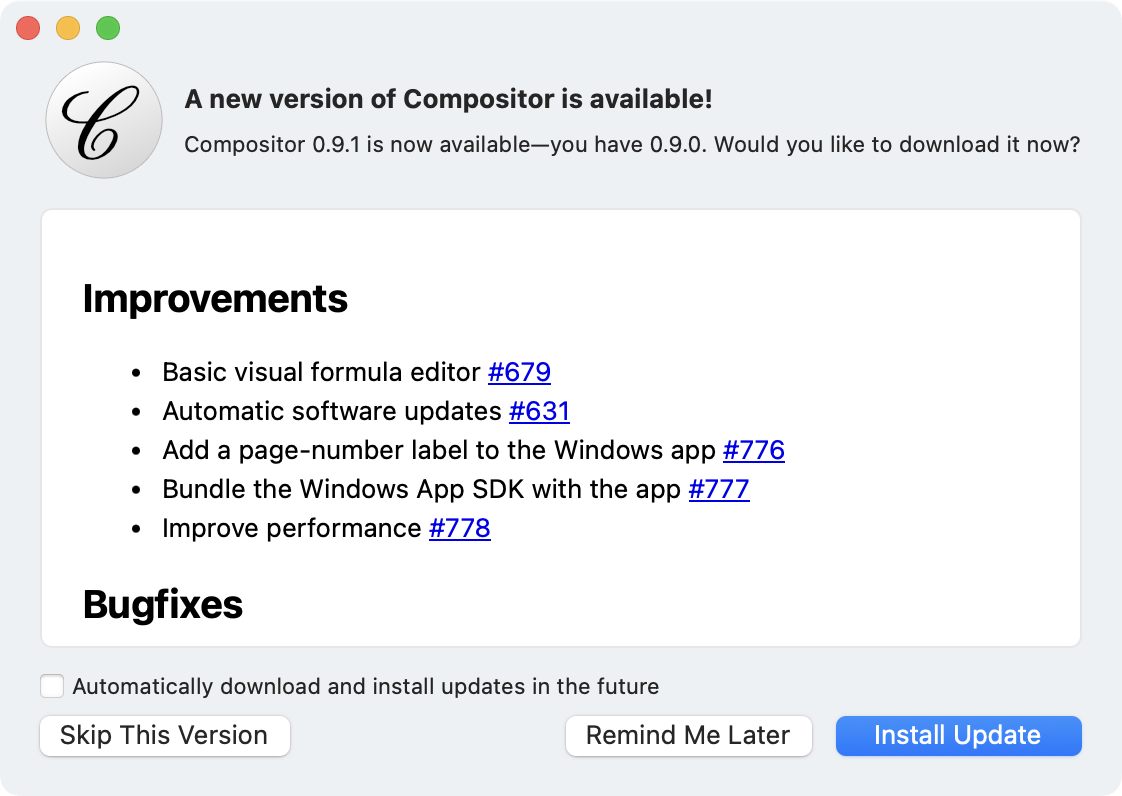
Starting with this release, Compositor can check for and install new versions from within the app, making it much easier to stay up to date on both Windows and macOS.
Smaller Improvements
- Added the “1 of N” page label from the macOS app to the Windows app #776
- Bundled the Windows App SDK with the app, removing a separate runtime dependency #777
- Improved performance across the shared Windows and macOS codebase #778
Bugfixes
Ctrl++/-on the numeric keypad now zooms correctly on Windows #775
Other
- Updated the website’s preview description #774
- Replaced still preview images on the website with animated screenshots #754
Try it Out!
Prerequisites (Windows only)
For the time being, I am using a self-signed certificate to sign the Windows app installers. If you want to install a preview build, you will need to install my self-signed certificate (once) by following these steps:
- Download and double-click the certificate file: Compositor.cer
- Click “Install Certificate”
- Choose “Local Machine”
- Select “Place all certificates in the following store” → “Trusted People”
- Complete the wizard
Future production releases will use a standard code-signing certificate, so these steps will no longer be necessary.
Windows Installers
Compositor for Windows is distributed as an MSIX installer to provide a modern installation experience:
- Intel/AMD installer: Compositor-Windows-x64-0.9.0.msix
- ARM installer: Compositor-Windows-arm64-0.9.0.msix
(requires Windows 10 or newer)
macOS Installer
macOS builds are provided using the same codebase and versioning as the Windows version:
- macOS disk image: Compositor-macOS-0.9.0.dmg
(requires macOS 12.0 or newer)
Your Feedback is Much Appreciated!
Any sort of feedback is much appreciated! You can reach me by email at support at compositorapp dot com.
Next Up
Next up is a Windows & macOS 0.9.1 Quality Pass to address any immediate issues found in 0.9. After that, the Windows & macOS 0.10 milestone will bring source editor improvements, among other things.
Stay Informed
Follow @compositorapp on Mastodon or
Bluesky for news and updates
about Compositor for Windows & macOS!